
Create an account and choose a plan
Sign up with email or Google, verify your email address, and choose the Free plan or a 14-day paid trial for your new workspace.
Create your Doxbrix account, verify your email address, and choose a plan for your new workspace. When you finish, you land on the Home dashboard, ready to create your first project.
Use this guide when you are new to Doxbrix and nobody has invited you to an existing workspace. If you received an invitation email, open its link instead: the invitation fills in and locks your email address so that you join the right workspace.
Before you begin
- You need an email address you can open, or a Google account.
- You need no payment details to use the Free plan. A paid trial asks for payment details at checkout but charges nothing for 14 days.
- If your organization signs in with single sign-on (SSO), ask your administrator for access instead. An SSO account without a workspace membership sees an access-denied page.
Create your account
Go to /sign-up, or select Sign up on the sign-in page. The Create an account form opens.
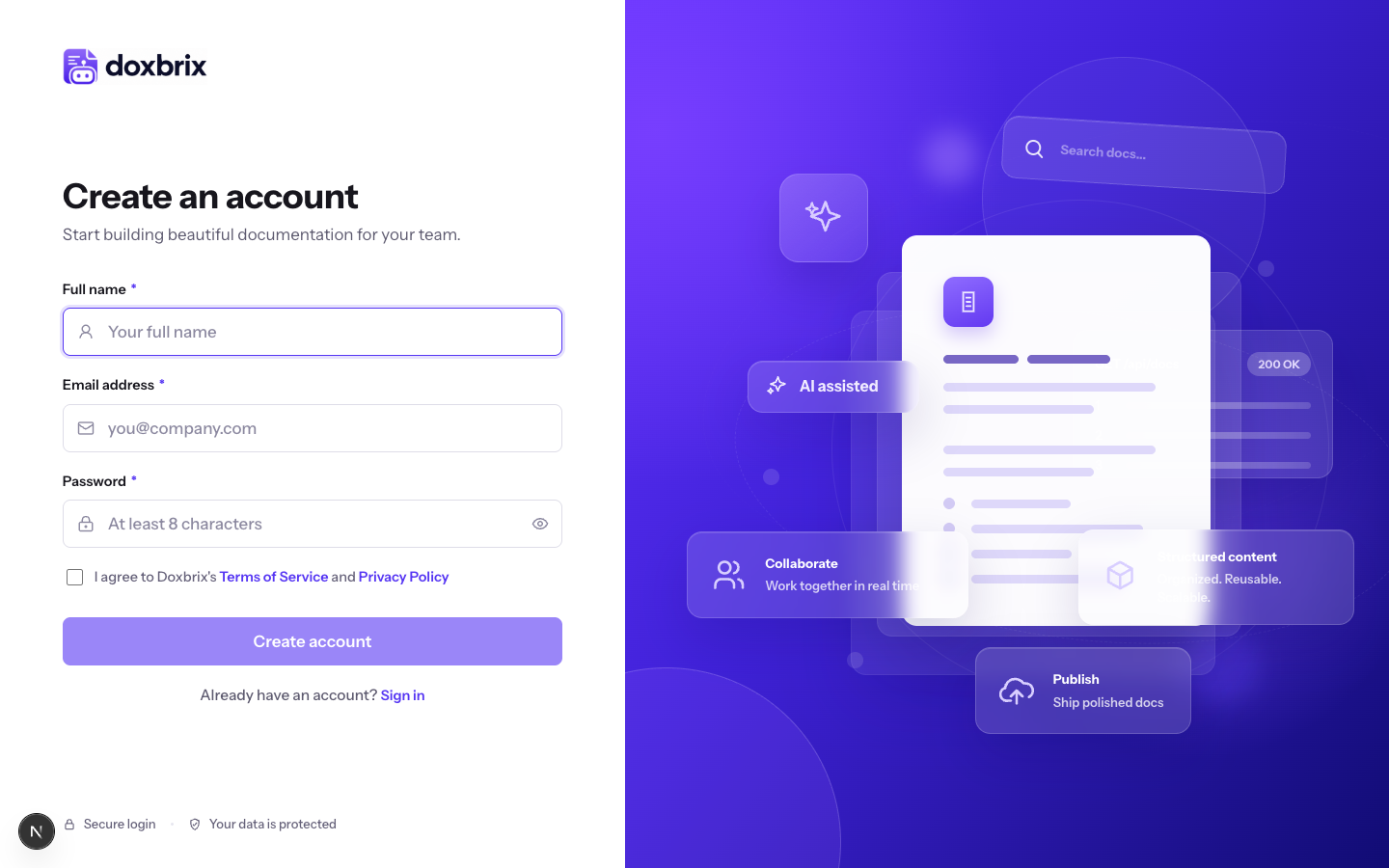
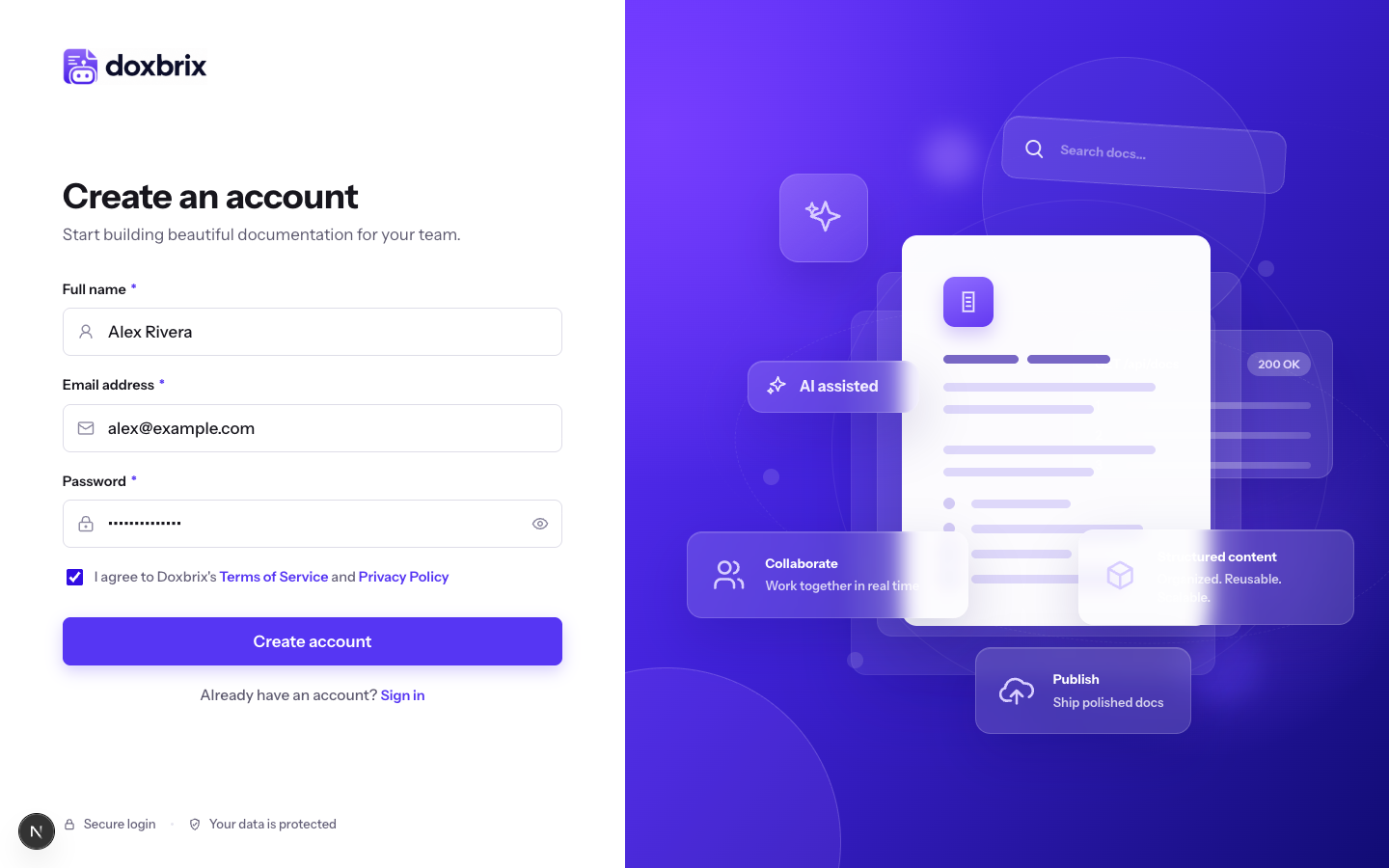
Fill in the form with your own details, for example:
- Full name:
Alex Rivera - Email address:
alex@example.com - Password: at least 8 characters. Select the eye icon to show or hide the password.
To sign up with Google instead, select Sign up with Google above the form and follow Google's prompts; you can skip the rest of these steps up to Choose a plan. The Google option appears only when your Doxbrix site offers it.
Select the I agree to Doxbrix's Terms of Service and Privacy Policy checkbox, and then select Create account.
Doxbrix shows Verify your email and sends a verification link to the address you entered.
Open the email and select the verification link within 24 hours. The link activates your account and signs you in.
If you cannot find the email, check your spam folder, and then select Resend verification email. Doxbrix confirms A new verification email is on its way.
On your first sign-in, Doxbrix creates a workspace named after you, such as Alex Rivera's Workspace, and makes you its owner. You can rename it later in workspace settings.
Choose a plan
Before you use the app, you choose a plan for the new workspace. Only a brand-new workspace sees this screen; after you choose, Doxbrix does not show it again.
Doxbrix opens Start free, or try a paid plan. The page shows four plans: Free, Starter, Pro (marked Most popular), and Business.
Yearly is selected by default and carries a 2 months free badge; prices show the monthly equivalent, billed yearly. Select Monthly to see month-to-month prices.
| Plan | Monthly | Yearly (per month) |
|---|---|---|
| Free | $0 | $0 |
| Starter | $29 | $24.17 |
| Pro | $79 | $65.83 |
| Business | $199 | $165.83 |
The billing period applies only to paid trials. Plans and limits reference compares what each plan includes.
Choose one of these options:
- Free: select Continue with Free. No credit card is required, and the plan includes one public project and one editor. You can upgrade at any time.
- Starter, Pro, or Business: select Start free trial. Doxbrix sends you to the payment provider's checkout. The trial lasts 14 days with no charge today, and you can cancel at any time.
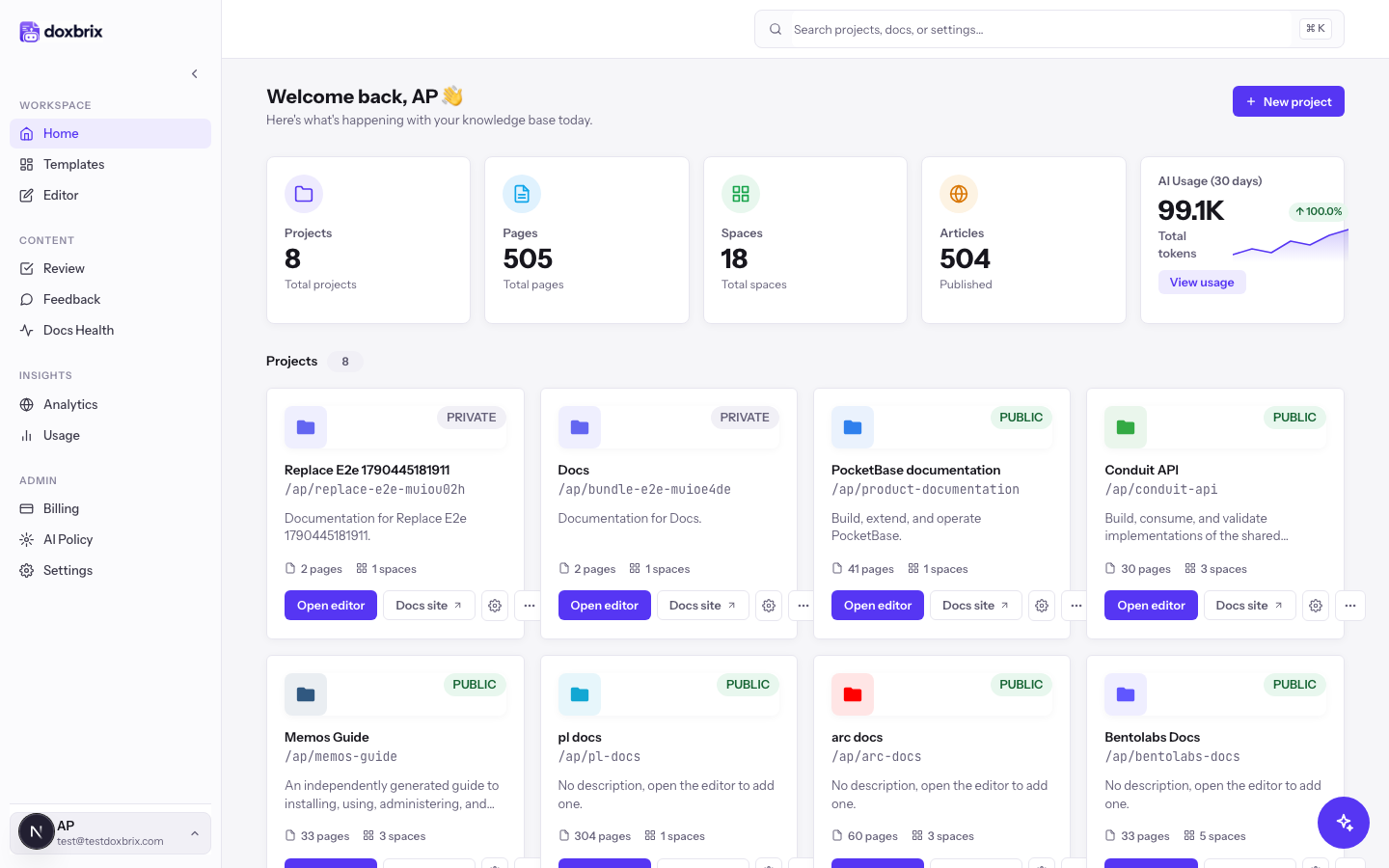
After you choose Free, or after checkout completes, Doxbrix opens the Home dashboard.
Verify
You have finished when all of these are true:
- You can sign in with your email address and password, or with Google.
- The Home dashboard opens without returning you to the plan picker.
- The New project button is available on the dashboard.
Troubleshooting
| Message or symptom | Cause | Fix |
|---|---|---|
| Please agree to the Terms of Service to continue. | The Terms checkbox is clear. | Select the checkbox and select Create account again. |
| You already have an account | The email address belongs to a verified account. | Select Go to sign in, or select Use a different email. See Sign in and reset your password. |
| Verify your email appears again after you submit | The address was registered earlier but never verified. | Doxbrix resends the link instead of creating a second account. Open the newest email. |
| Use email sign-up to accept this invitation so the invited address stays locked. | You opened an invitation link and selected Sign up with Google. | Complete the email form; the invited address is already filled in. |
| Google sign-in is not configured yet. | Google sign-up is unavailable on this site. | Sign up with email and password. |
| Failed to create account. | Doxbrix could not create the account. | Check the email address and that the password has at least 8 characters, and then try again. |
| Your trial wasn’t started, and no payment was taken. | Checkout was cancelled or failed. | Pick a plan again, or select Continue with Free. |
For other sign-in and SSO problems, see Troubleshoot sign-in, invitations and SSO.